
Week 9 Progress

Review Progress


Hey guys, welcome back! As it is review week I will be reviewing my progress so far in this blog.

I am quite happy with my progress so far. There have been times where I have slipped up and missed a blog or two. After seeing my progression and the credits I have missed out on, I definitely think I can make a strong comeback and finish this semester on a high note. With any blog I have done, I have put in 100% effort and I am proud of that. 

I enjoyed the readings the most because I learned a lot of new information. This information has been very useful for the development of my game. The readings have taught me things I had never even heard of. As someone who doesn't play a lot of video games, I feel like my knowledge on the subject has really broadened. 

I have used some of the extra credit options and plan to use the rest of them in the upcoming weeks. I have found these super helpful for when I fall behind with my blogs. They've also been great for when I do budget my time well, because I then get ahead with them. 

I want to get better with prioritising my time and certain blogs. As i've said in previous blogs, I'm still working on my time management. My skill set has grown a lot throughout this process but there is still room to improve. I'm still quite slow at coding for my game but I'm sure after a bit more practice I'll get the jist of it. I have faith that I'll carry on growing throughout this module and I look forward to achieving much more.
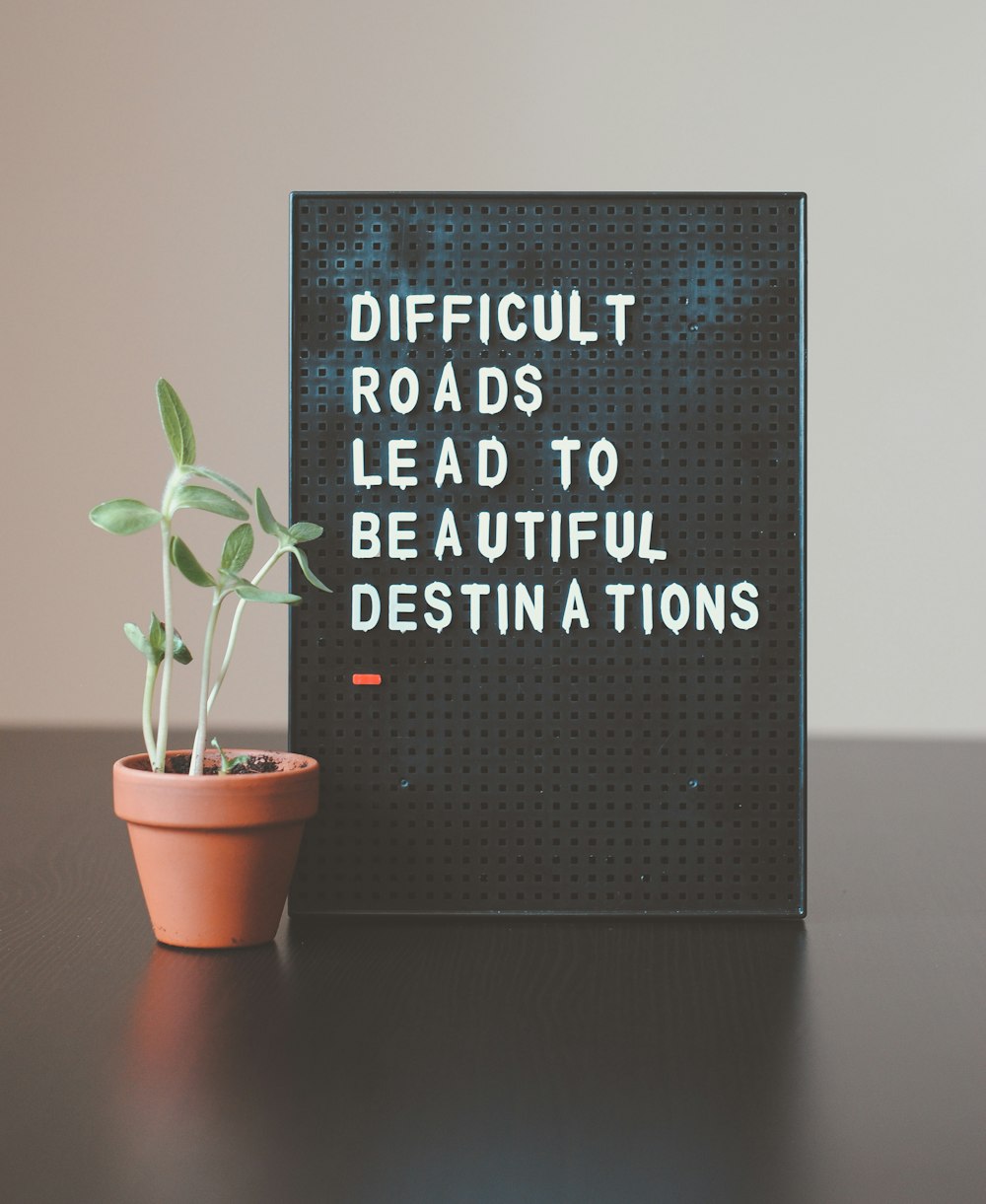
Image result for motivational images
https://unsplash.com/s/photos/motivational

Comments

Popular posts from this blog

Unity Tutorial 05

Unity Tutorial 05 Hi and welcome back! Today I will be writing about the "Collision Decisions" and "Challenge 2 & Quiz Play Fetch" Unity tutorials. These tutorials were a continuation from last weeks. As I didn't do last weeks, I had a lot of work to catch up on! Fortunately, I completed the first tutorial without any problems. The second part was a bit more difficult and I didn't get all of it correct. In "Collision Decisions" I made it so that animals were spawning randomly at different times on the screen. I made it so there was a timed interval between each animal when walking down the screen. I did this by using InvokeRepeating() in the script. I added colliders so that I could feed the animals with all the different food. When all the animals get past the end of the scene, it says  "Game Over". The end of the scene was when they got past the player. Screenshot of Unity The "Challenge 2 - Play Fetch" tut...

Game Elements

Game Elements This week's readings game me an insight on the questions that must be asked when thinking about; p layers, objectives, rules, resources, game state, information, sequencing, player interaction, theme and games as systems. I found the examples given for each of these very useful and gave me an idea of all the variations there are. Image 1:  https://pxhere.com/en/photo/948574 I think the "Three step process" given for critically analyzing a game will definitely come in hand: "1. Describe the game’s formal elements. Do not interpret at this point, simply state what is there. 2. Describe the results of the formal elements when put in motion. How do the different elements interact? What is the play of the game like? Is it effective? 3. Try to understand why the designer chose those elements and not others. Why this particular player structure, and why that set of resources? What would have happened if the designer had chosen differently?" ( h...

Unity Tutorial 06

Unity tutorial 6  Hi and welcome back to my blog! Today I will be writing about a new set of Unity Tutorials about “Jump Force”, “Making the World Whiz By” & “Don’t Just Stand There”. In the first tutorial we created a new prototype, added a new background, character and obstacle. This was a fast paced and side scrolling runner game where the player had to get the character to jump over obstacles and avoid crashing into them. In these tutorials I also learned how to add music and sound effects. I learned about the spawn manager too, which is basically what controls spawning objects. Image 1: Screenshot of Unity Image 2: Screenshot of script In the second tutorial I used code to make the background of the game move effortlessly with the obstacles. As I used C Script the background and spawn manager will stop once the player collides with the obstacle. And lastly, in the third tutorial, we created three more new animations. I found this difficult as I had ne...